25--解决Spring Security环境中的跨域问题
前言
上一章节中,一一哥 给各位讲解了同源策略和跨域问题,以及跨域问题的解决方案,在本篇文章中,我会带大家进行代码实现,看看在Spring Security环境中如何解决跨域问题。
一. 启用Spring Security 的CORS支持
1. 创建web接口
我先在SpringBoot环境中,创建一个端口号为8080的web项目,注意这个web项目没有引入Spring Security的依赖包。然后在其中创建一个IndexController,定义两个测试接口以便被ajax进行跨域访问。
@RestController
public class IndexController {

    @GetMapping("/hello")
    public String hello() {

        return "get hello";
    }

    @PostMapping("/hello")
    public String hello2() {

        return "post hello";
    }

}
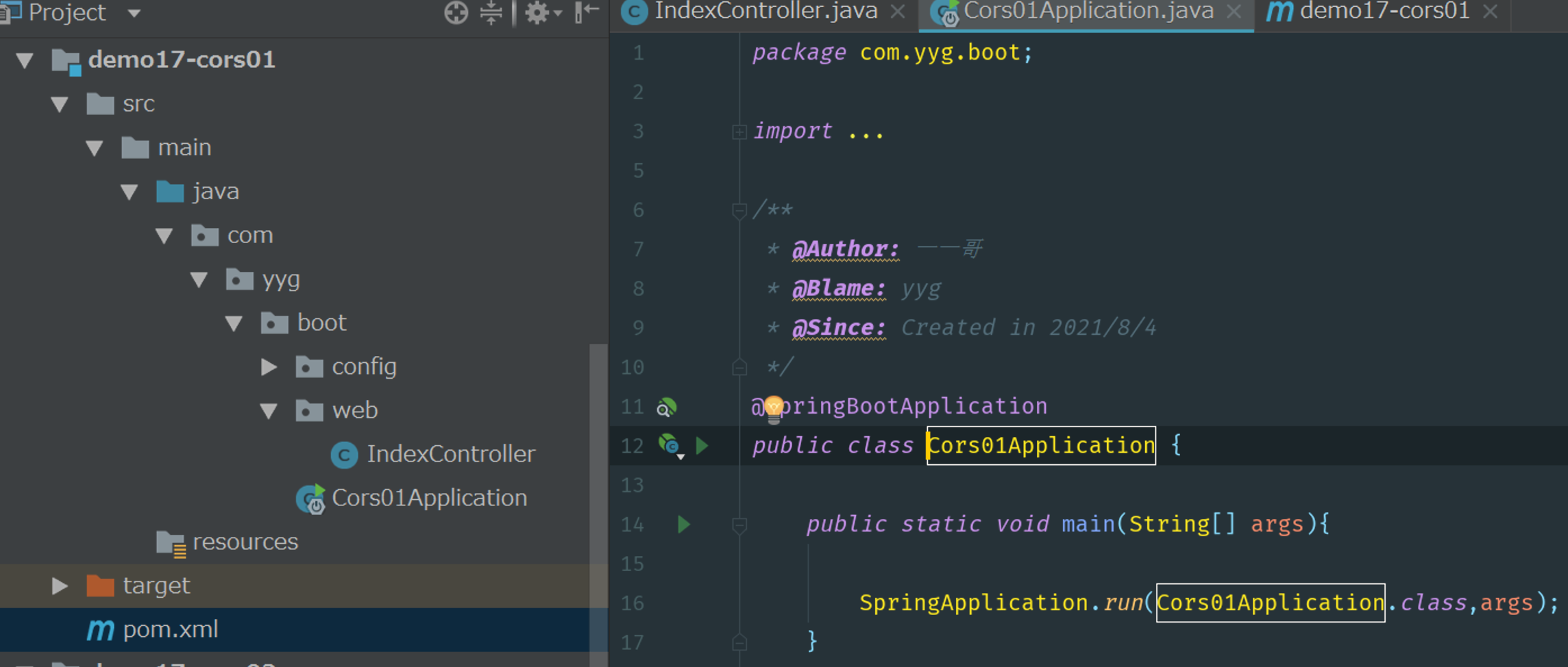
8080项目的代码结构:
请参考如下代码结构进行项目创建。
2. 执行ajax请求
我们接下来再创建另一个端口号为8082的web项目,注意这个web项目也没有引入Spring Security的依赖包。接着在这里定义一个index.html页面,利用ajax跨域访问8080项目中的web接口。
<!DOCTYPE html>
<html lang="en">
<head>
    <meta charset="UTF-8">
    <title>Index</title>
    <script type="text/javascript" src="jquery-2.1.0.js"></script>
</head>
<body>
<div id="app"></div>
<input type="button" onclick="btnClick()" value="get请求">
<input type="button" onclick="btnClick2()" value="post请求">

<script>
    function btnClick() {
        $.get('http://localhost:8080/hello', function (msg) {
            $("#app").html(msg);
        });
    }

    function btnClick2() {
        $.post('http://localhost:8080/hello', function (msg) {
            $("#app").html(msg);
        });
    }
</script>

</body>
</html>