学习目标
1 熟悉shell脚本的原理和使用
2 熟悉shell的编程语法
第一节 Shell概述
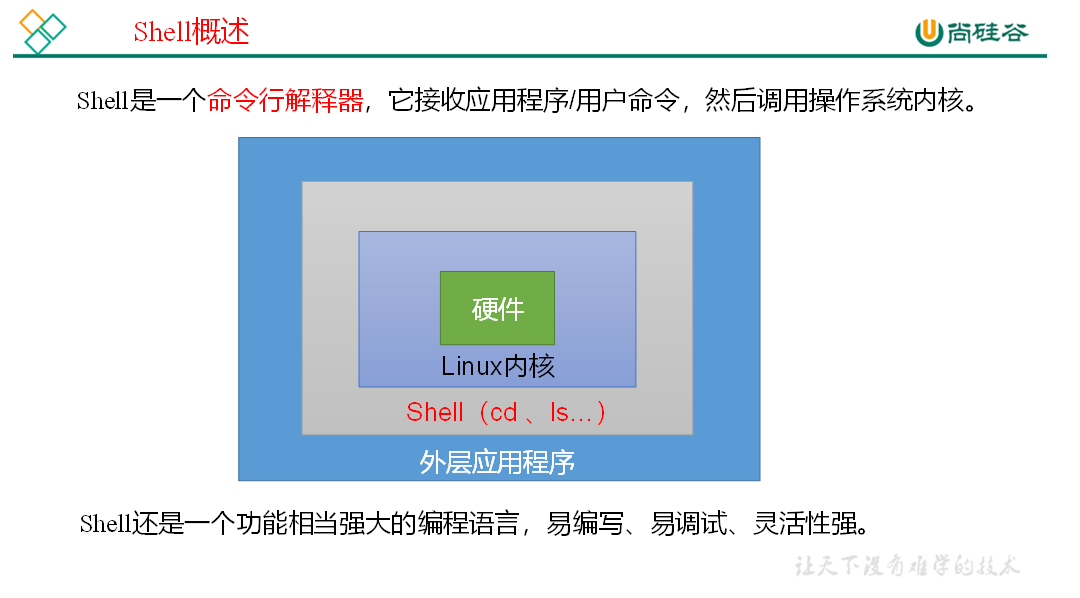
1)Linux提供的Shell解析器有:
[atguigu@hadoop101 ~]$ cat /etc/shells

/bin/sh

/bin/bash

/sbin/nologin

/bin/dash

/bin/tcsh

/bin/csh
2)bash和sh的关系
[atguigu@hadoop101 bin]$ ll | grep bash

-rwxr-xr-x. 1 root root 941880 5月  11 2016 bash

lrwxrwxrwx. 1 root root      4 5月  27 2017 sh -> bash
3)Centos默认的解析器是bash
[atguigu@hadoop101 bin]$ echo $SHELL

/bin/bash
第二节 Shell脚本入门
(1)需求:创建一个Shell脚本,输出helloworld
(2)案例实操:
[atguigu@hadoop101 datas]$ touch helloworld.sh

[atguigu@hadoop101 datas]$ vim helloworld.sh


在helloworld.sh中输入如下内容

#!/bin/bash

echo "helloworld"
(3)脚本的常用执行方式
第一种:采用bash或sh+脚本的相对路径或绝对路径(不用赋予脚本+x权限)
sh+脚本的相对路径
[atguigu@hadoop101 datas]$ sh helloworld.sh

Helloworld
sh+脚本的绝对路径
[atguigu@hadoop101 datas]$ sh /home/atguigu/datas/helloworld.sh

helloworld